



Do you have questions? Our community may have already answered them!
Connect with others in our support forum.

Kinco Web Tools firmware updater – turns a Kinco F2 into a pure web panel
- Turns an F2 into a web panel
- Chrome browser, full screen
- Up to 10 web addresses
- HTTPS with your own certificate
- Free download
Available in 14 days, delivery time 3 bis 5 Tage
Preis exkl. MwSt., zzgl. Versandkosten
Available in 14 days, delivery time 3 bis 5 Tage
Preis exkl. MwSt., zzgl. Versandkosten
Available in 14 days, delivery time 3 bis 5 Tage
Preis exkl. MwSt., zzgl. Versandkosten
Available in 14 days, delivery time 3 bis 5 Tage
Preis exkl. MwSt., zzgl. Versandkosten
Available in 14 days, delivery time 3 bis 5 Tage
Preis exkl. MwSt., zzgl. Versandkosten
Available in 14 days, delivery time 3 bis 5 Tage
Preis exkl. MwSt., zzgl. Versandkosten
Available in 14 days, delivery time 3 bis 5 Tage
Preis exkl. MwSt., zzgl. Versandkosten
Available in 14 days, delivery time 3 bis 5 Tage
Preis exkl. MwSt., zzgl. Versandkosten
Available in 14 days, delivery time 3 bis 5 Tage
Preis exkl. MwSt., zzgl. Versandkosten
Available in 14 days, delivery time 3 bis 5 Tage
Preis exkl. MwSt., zzgl. Versandkosten
Available in 14 days, delivery time 3 bis 5 Tage
Preis exkl. MwSt., zzgl. Versandkosten
Available in 14 days, delivery time 3 bis 5 Tage
Preis exkl. MwSt., zzgl. Versandkosten
Available in 14 days, delivery time 3 bis 5 Tage
Preis exkl. MwSt., zzgl. Versandkosten


Available in 30 days, delivery time 6 bis 8 Wochen
Preis exkl. MwSt., zzgl. Versandkosten

Customers also viewed
Customers also viewed

Available, delivery time: Download im Shop nach Bestellung
Preis exkl. MwSt., zzgl. Versandkosten
Available, delivery time: Download im Shop nach Bestellung
Preis exkl. MwSt., zzgl. Versandkosten
Available, delivery time: Download im Shop nach Bestellung
Preis exkl. MwSt., zzgl. Versandkosten
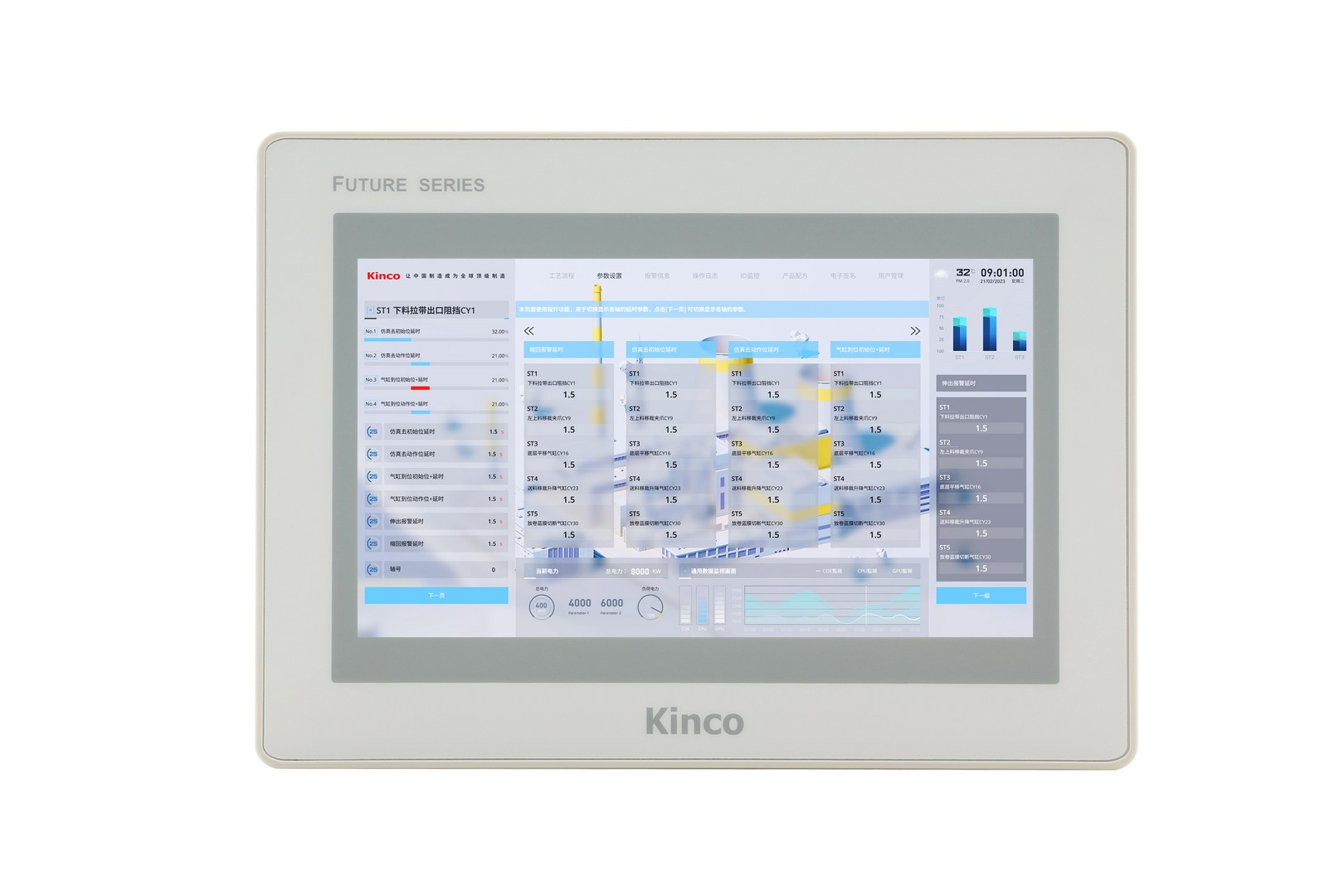
Available, delivery time: Download im Shop nach Bestellung
Preis exkl. MwSt., zzgl. Versandkosten
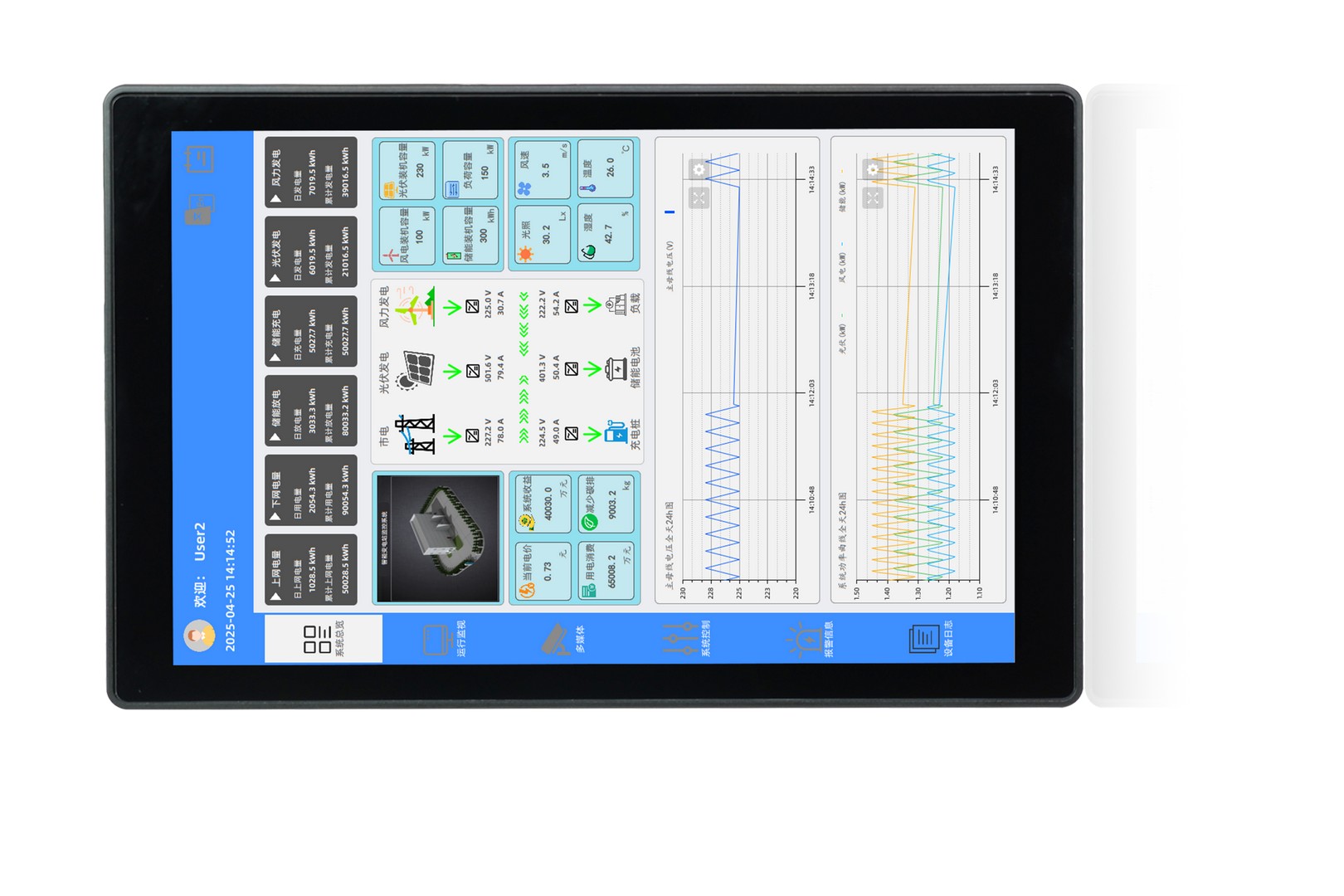
Available, delivery time: Download im Shop nach Bestellung
Preis exkl. MwSt., zzgl. Versandkosten
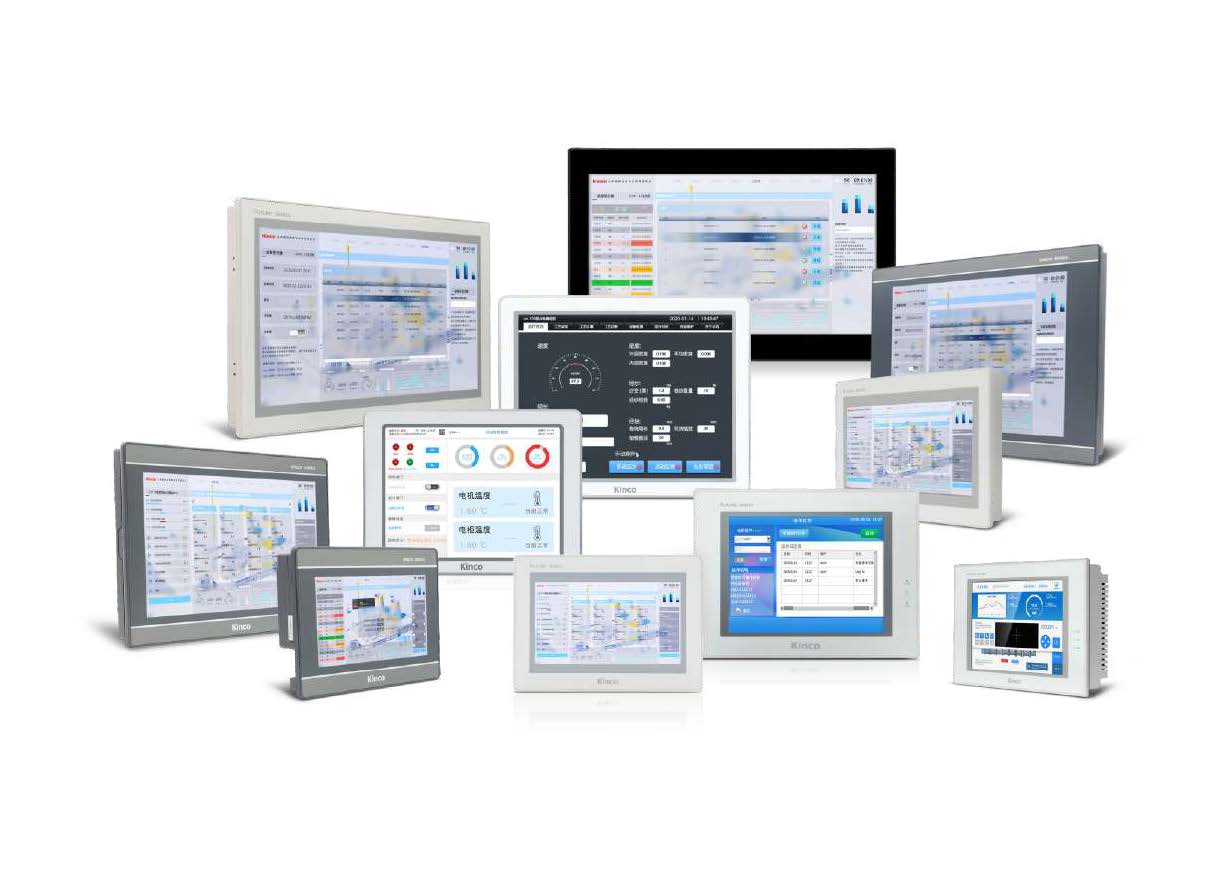
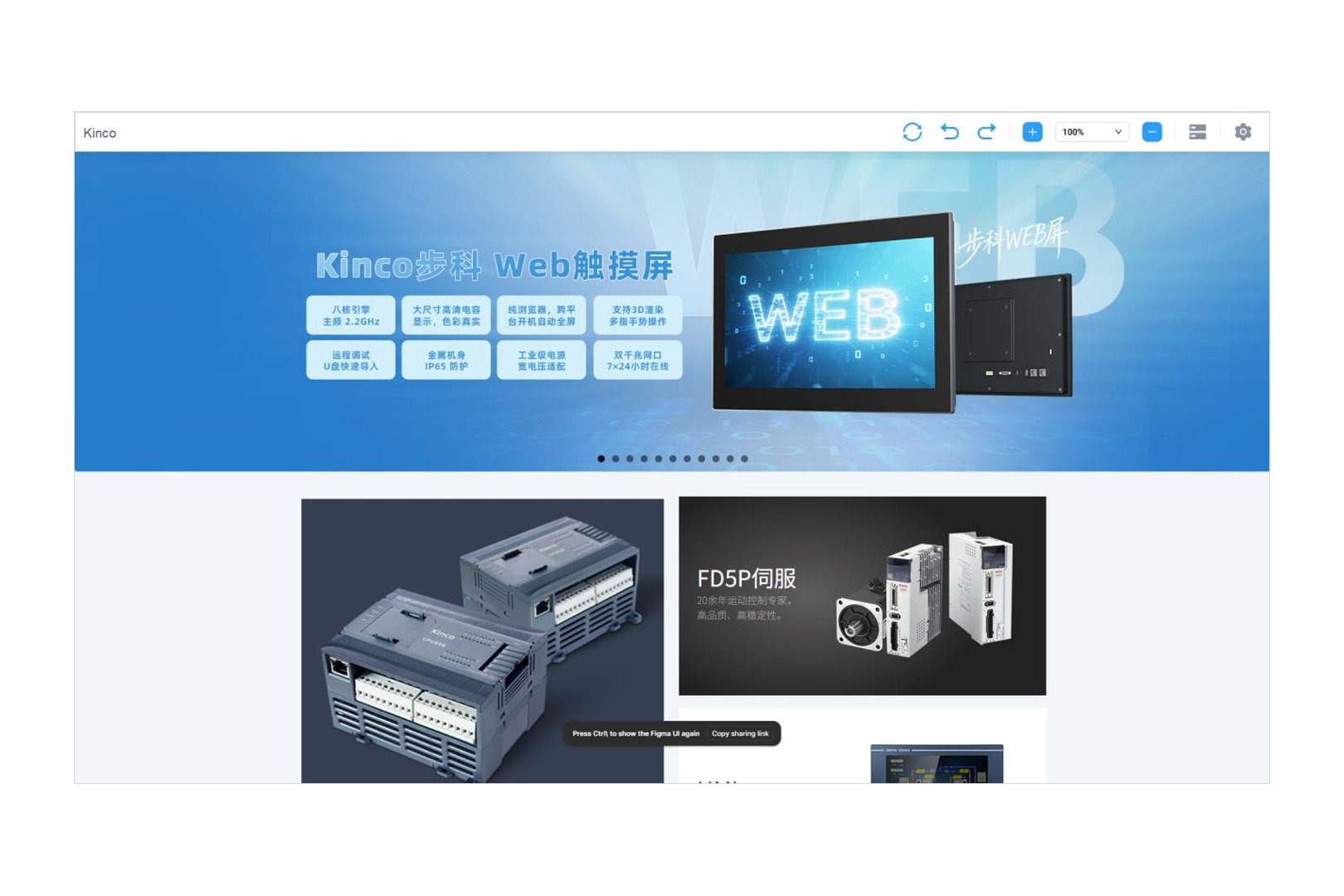
If you want to operate a machine, a plant or a control system through a web interface, you do not need an additional device. The Kinco Web Tools firmware updater turns an existing Kinco HMI of the F2 series into a pure web panel. Instead of building an HMI project in DTools Pro, you store one or more web addresses — the panel opens them at start-up and displays them full screen.
The tool is a free download. You only need it once, to transfer the firmware to the device.
🏭 Typical applications
Operating devices with a built-in web server: variable frequency drives, servo drives, energy meters or network devices already come with their own interface. The panel shows it right at the machine, with no laptop to connect.
Web visualisation of a PLC: controllers that serve their visualisation as a web page do not need a second HMI project. The interface is maintained once in the PLC and simply displayed on the panel.
Dashboards and control stations: KPIs, job lists or plant overviews from your MES, ERP or monitoring system, running continuously on the line across every shift.
Information and kiosk terminal: work instructions, inspection plans or maintenance documents from the intranet, fixed to one address and with no access to the rest of the system.
🌐 What the panel can do after the conversion
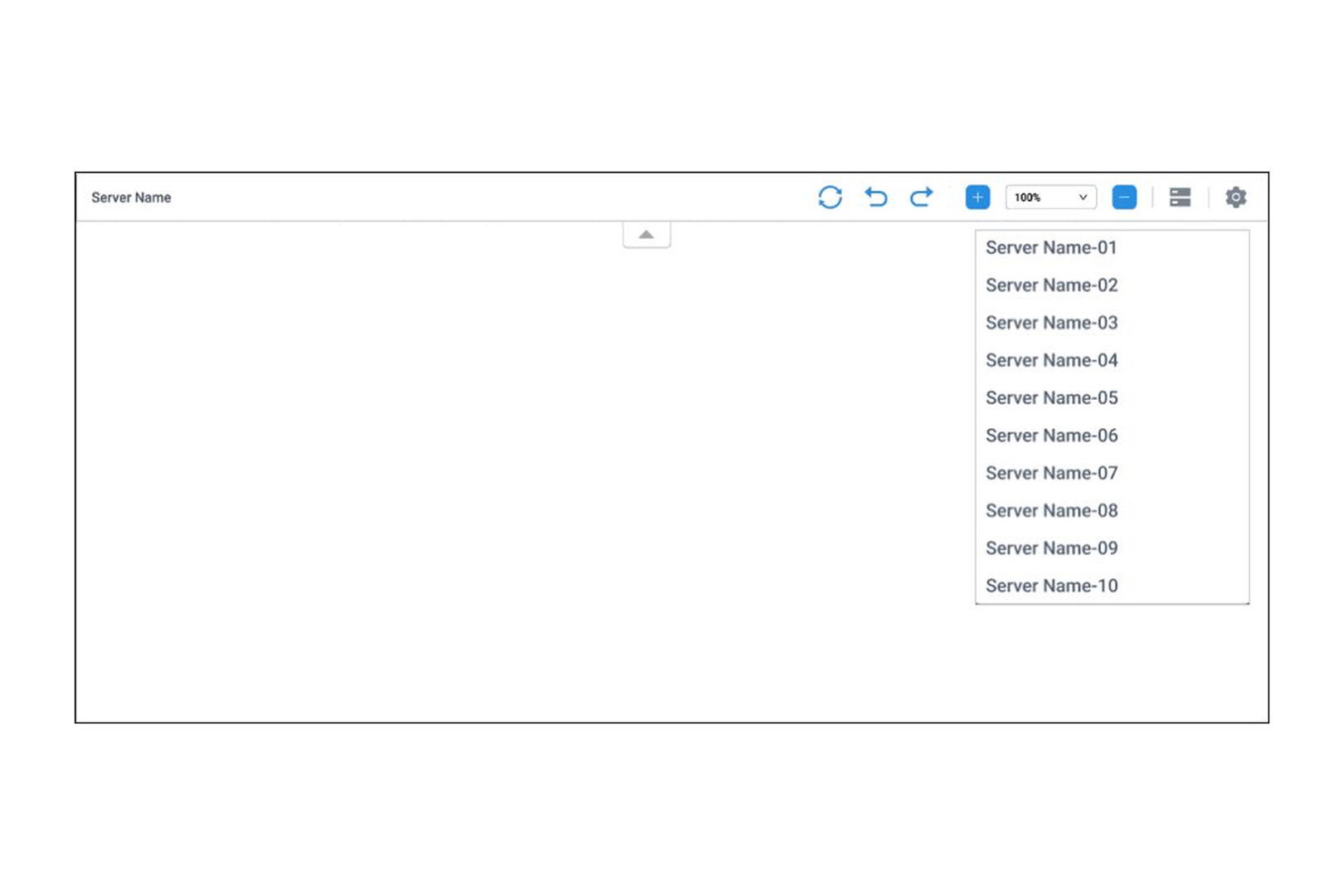
Chrome-based browser in full screen, with zoom levels and a collapsible navigation bar (reload, forward, back).
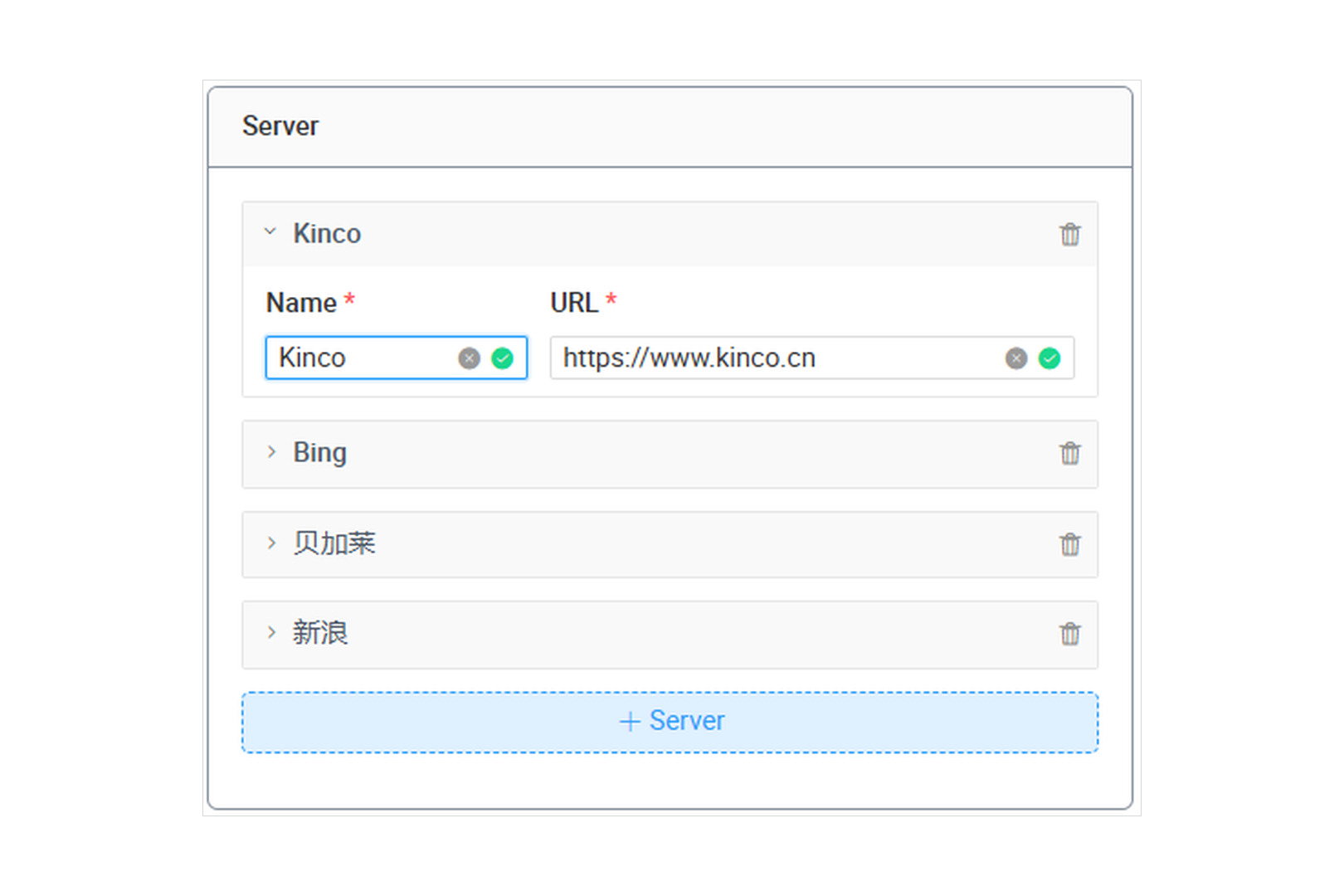
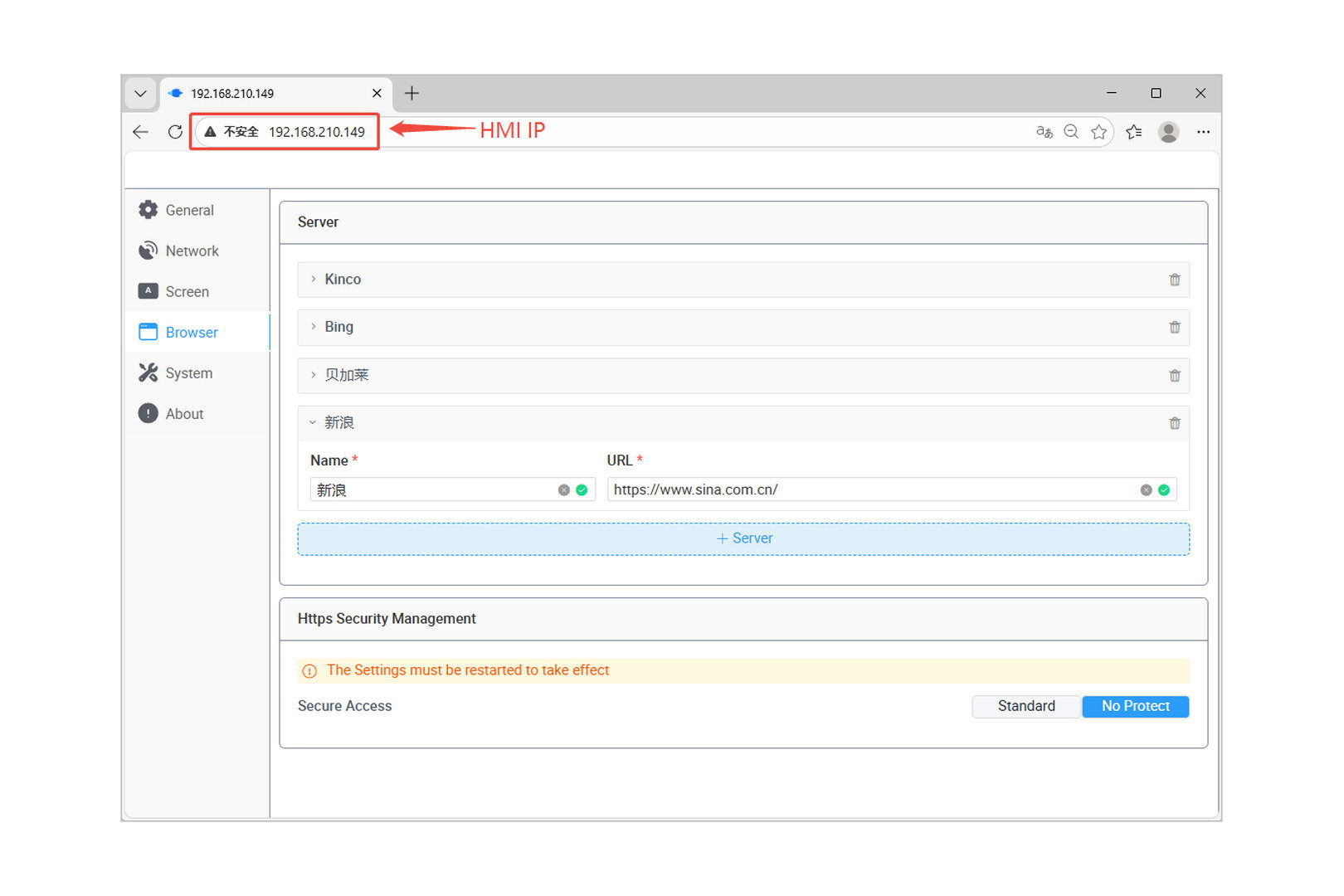
Store up to 10 server addresses under their own names and switch between them from a list during operation.
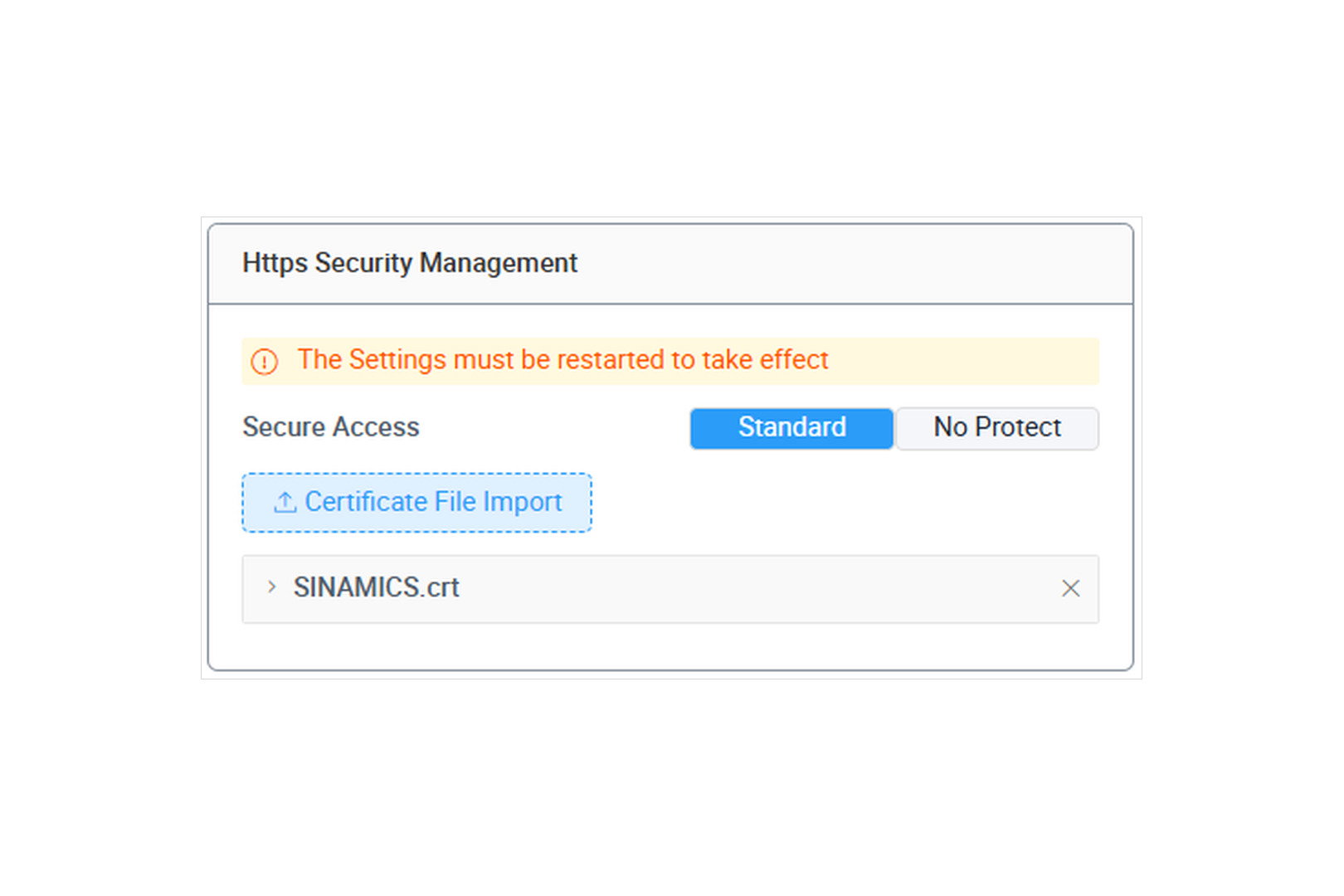
HTTPS with an importable certificate (
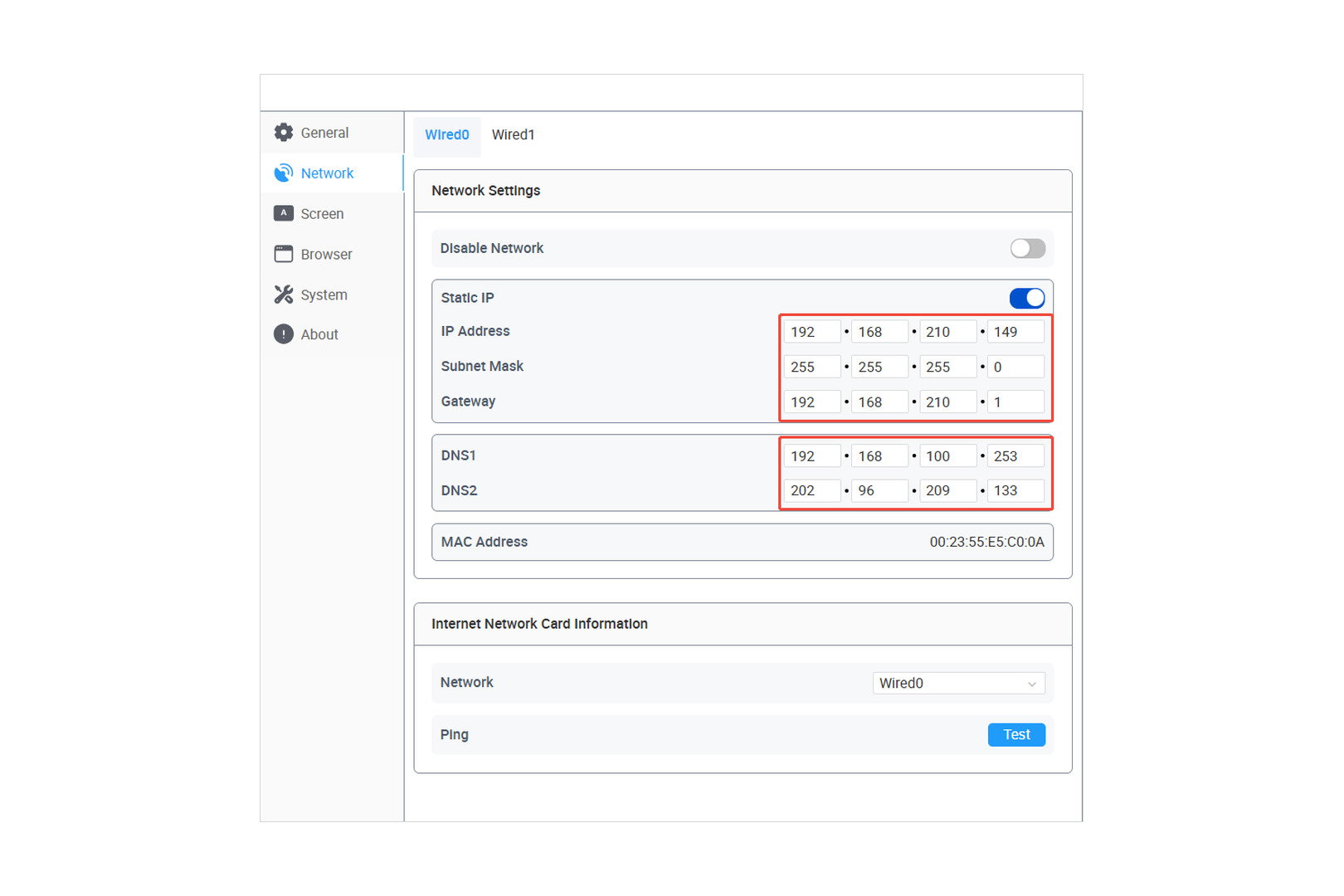
.crt) — for devices and portals that use their own certificate authority.Network configurable separately per interface (static IP or DHCP, subnet mask, gateway, DNS) with a ping test and MAC address display.
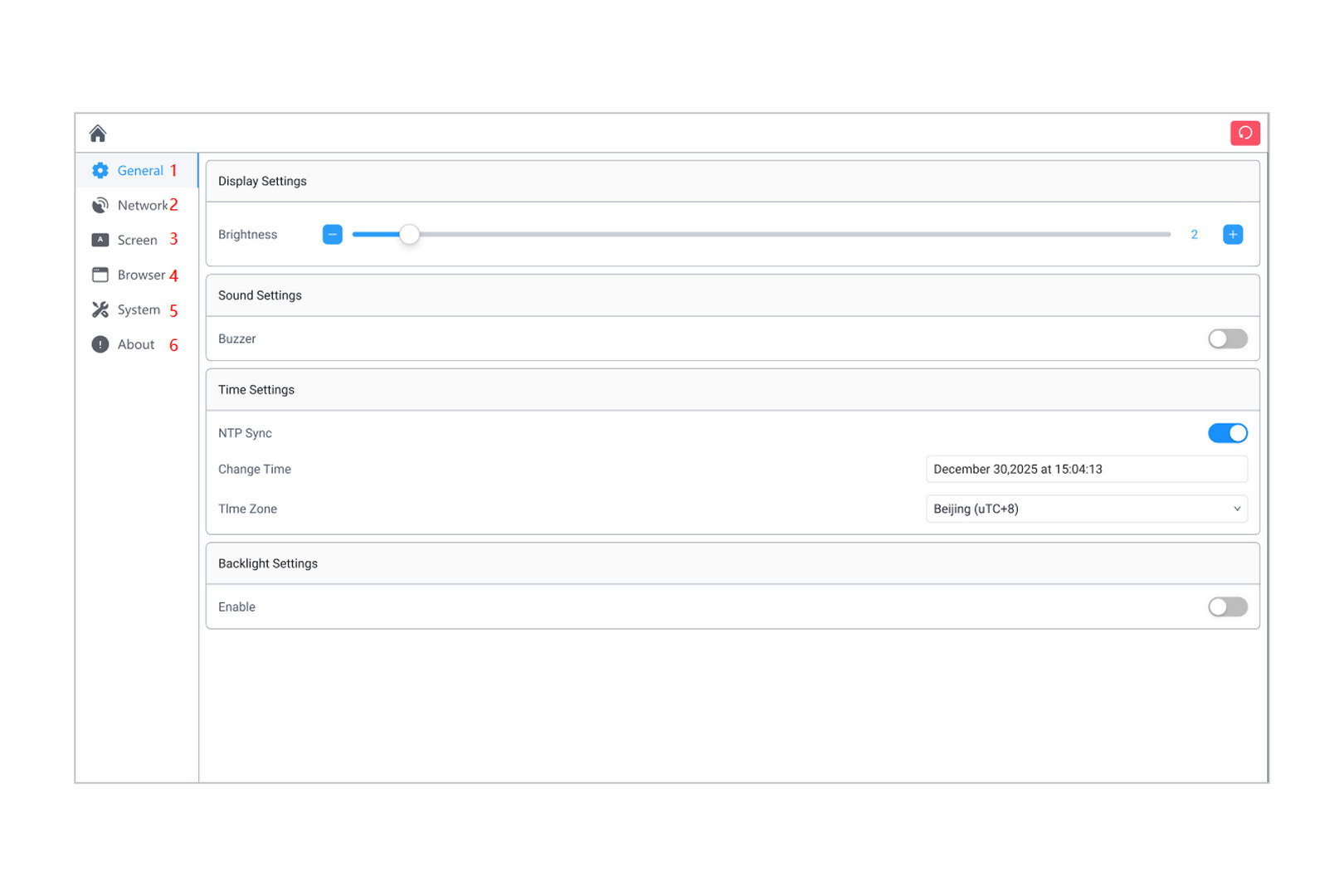
System settings for brightness, buzzer, screen saver as well as time and time zone via NTP.
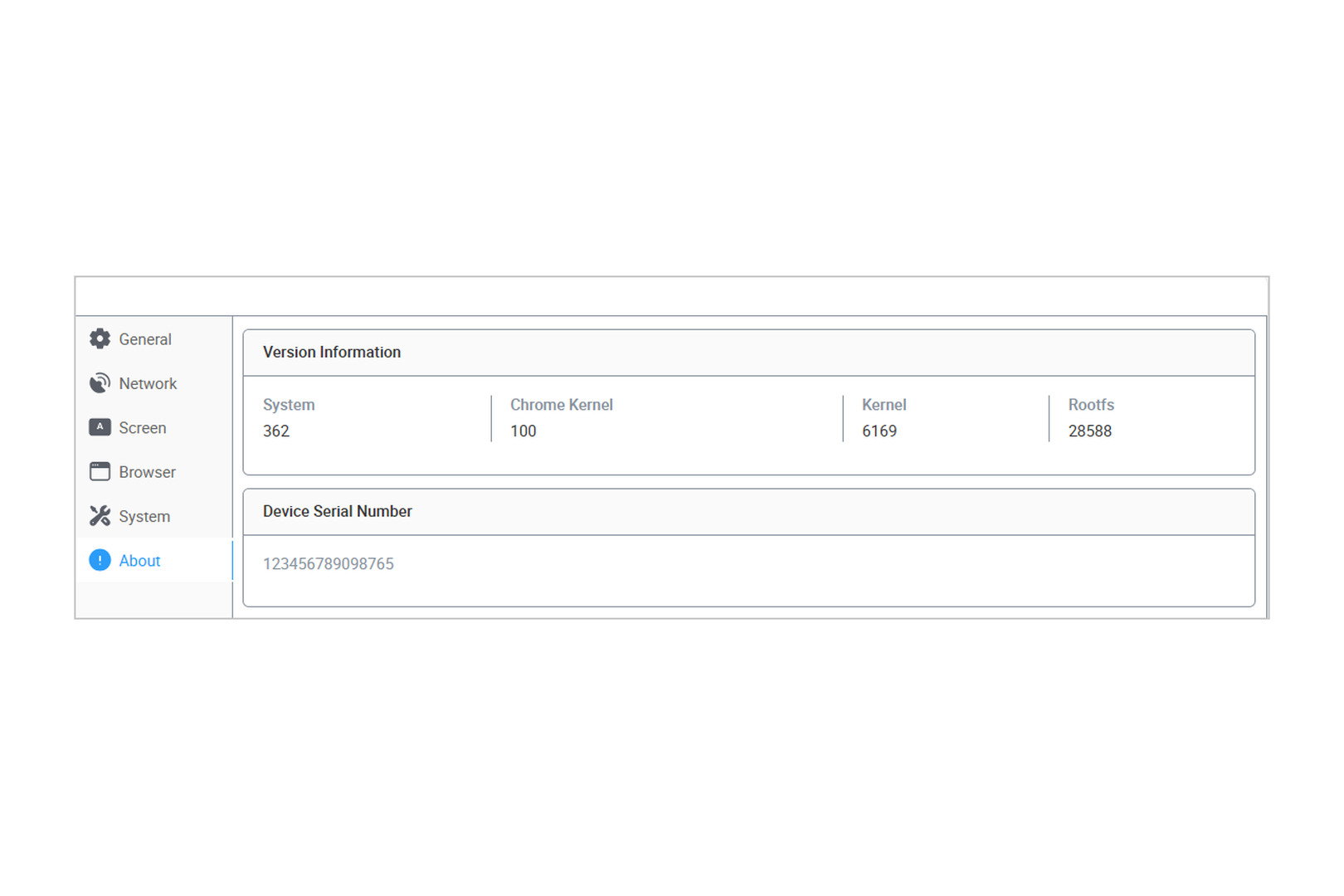
Version display for system, browser kernel, kernel and rootfs, plus the device serial number.
🔧 Installation: firmware update mode
The firmware is not transferred like a normal project, but in the panel's firmware update mode:
Hold the touch screen pressed while switching the device on, until it enters update mode.
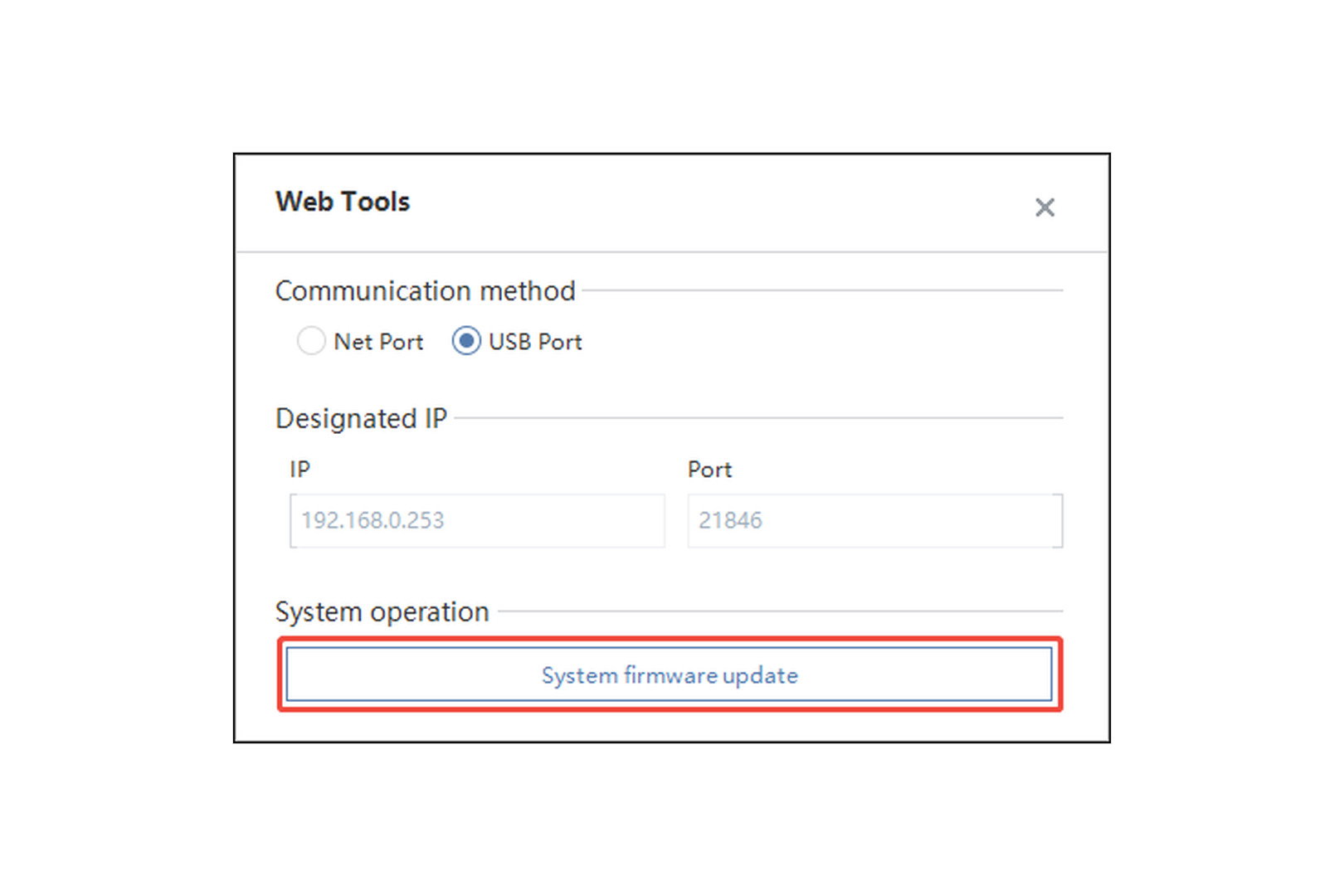
Start Web Tools on your PC and choose the connection — either USB or the network (default 192.168.0.253, port 21846).
Trigger System firmware update and wait for the transfer to finish.
⚠️ Important note on the bootloader: a bootloader of version 5xxx or 6xxx is required. If your device still runs an older bootloader of the 4xxx range, the transfer will fail. Contact us in that case — we will update the bootloader for you.
🔌 Configuration on the device or from your PC
The configuration interface sits on the panel itself and is divided into General, Network, Screen, Browser, System and About. You can reach it directly on the touch screen — or conveniently from your desk by opening the panel's IP address in your browser. No software installation is needed for this.
⚠️ What to know before you convert
After the conversion the device is a web panel and no longer a DTools Pro HMI. Existing DTools Pro projects can no longer run on it, and functions such as PLC drivers, alarms, recipes or data logging are gone — those tasks are then handled by the system whose web interface you display.
The conversion is reversible: a simple firmware update from DTools Pro turns the web panel back into a classic HMI. You are not committing permanently and can put the device back into its original role at any time.
💡 Not sure whether your application fits the classic HMI or the web panel better? Talk to us and we will work through it with you.
🏷️ Manufacturer and reliability
Kinco Automation is an established manufacturer with years of experience developing HMI and drive technology for the global industrial market. Kinco HMIs are in use at well over 100 spstiger customers in Germany. Web Tools is maintained by Kinco and available to you as a free download.
Passende HMI
Available in 14 days, delivery time 3 bis 5 Tage
Preis exkl. MwSt., zzgl. Versandkosten
Available in 14 days, delivery time 3 bis 5 Tage
Preis exkl. MwSt., zzgl. Versandkosten
Available in 14 days, delivery time 3 bis 5 Tage
Preis exkl. MwSt., zzgl. Versandkosten
Available in 14 days, delivery time 3 bis 5 Tage
Preis exkl. MwSt., zzgl. Versandkosten
Available in 14 days, delivery time 3 bis 5 Tage
Preis exkl. MwSt., zzgl. Versandkosten
Available in 14 days, delivery time 3 bis 5 Tage
Preis exkl. MwSt., zzgl. Versandkosten
Available in 14 days, delivery time 3 bis 5 Tage
Preis exkl. MwSt., zzgl. Versandkosten
Available in 14 days, delivery time 3 bis 5 Tage
Preis exkl. MwSt., zzgl. Versandkosten
Available in 14 days, delivery time 3 bis 5 Tage
Preis exkl. MwSt., zzgl. Versandkosten
Available in 14 days, delivery time 3 bis 5 Tage
Preis exkl. MwSt., zzgl. Versandkosten
Available in 14 days, delivery time 3 bis 5 Tage
Preis exkl. MwSt., zzgl. Versandkosten
Available in 14 days, delivery time 3 bis 5 Tage
Preis exkl. MwSt., zzgl. Versandkosten
Available in 14 days, delivery time 3 bis 5 Tage
Preis exkl. MwSt., zzgl. Versandkosten
Available in 30 days, delivery time 6 bis 8 Wochen
Preis exkl. MwSt., zzgl. Versandkosten
Login